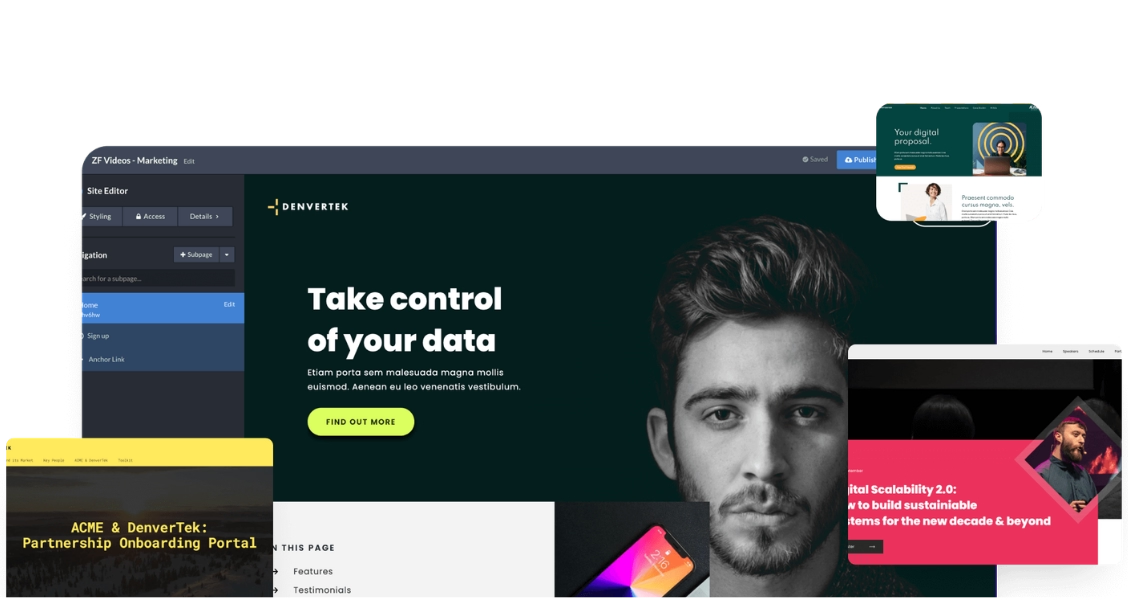
Interactive vs. static: what actually changes
Ready to go digital?
Discover how Zoomforth can help you.
Join 500+ enterprise sales, marketing and HR teams building trackable microsites — no developer needed.
Rated 4.76/5 on G2 · Trusted by Fortune 500 teams
Thanks — we've got your request.
Check your inbox — Wendie has sent her calendar link.
While you wait, browse real microsites in our microsite inspiration gallery or learn the basics in the Zoomforth Academy.
A static brochure is a PDF — one fixed layout, no navigation beyond scrolling, and no way to know if anyone opened it. An interactive brochure is a web page instead: click-through navigation between sections, embedded video instead of a screenshot, and links the reader can follow without leaving the piece. For the full breakdown of how to plan and build one, see our digital brochure guide.
The six examples below show what that looks like across different teams and goals — not hypothetical features, but the actual structure each use case tends to need.
Product brochure examples
Product brochures replace a flat spec sheet with a page a prospect can actually explore — video, comparison tables, and a direct path to the next step.
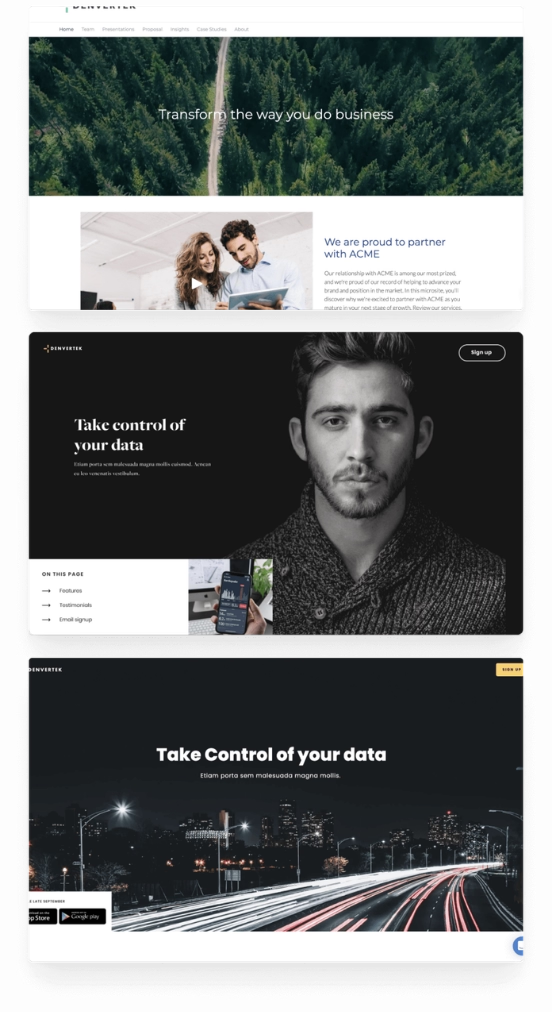
1. Product catalog — clickable category navigation
A B2B equipment manufacturer replaced a 40-page PDF catalog with an interactive brochure organized by product category, letting buyers jump straight to the section relevant to them instead of scrolling through everything. Each category included a short demo video and a spec comparison table.
Result: Sales reps reported buyers spending noticeably longer with the brochure than the old PDF, and could see which product categories a specific prospect had actually looked at before a follow-up call.
2. Feature deep-dive — embedded video over screenshots
A software company rebuilt its feature overview brochure around short embedded walkthrough videos in place of static screenshots, with a comparison table underneath contrasting their approach against the status quo a buyer was likely using.
Result: The video sections became the most-viewed part of the brochure, and reps used the section-level view data to know which feature to lead with in the next conversation.
Professional services brochure examples
Services brochures sell an approach and a team, not a spec sheet — so the interactive format tends to lean on case studies and process, not product screenshots.
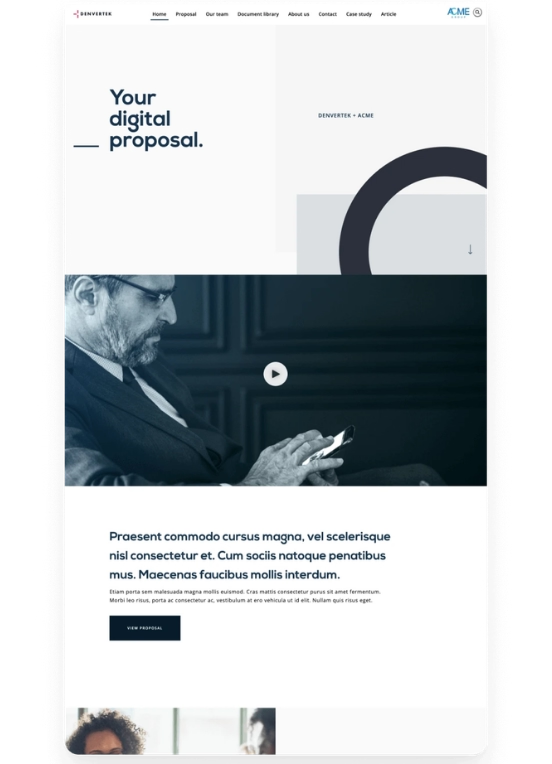
3. Consulting capabilities brochure — methodology plus proof
A consulting firm replaced its static capabilities deck with an interactive brochure structured around its engagement methodology, with a case study embedded directly under each phase rather than bundled into a separate appendix.
Result: Prospects could jump directly to the phase most relevant to their stated problem instead of reading the whole document linearly, and the firm could see which phase's case study got read most before a first call.
4. Agency capabilities brochure — portfolio as navigation
A creative agency turned its capabilities PDF into a brochure organized around clickable portfolio thumbnails rather than a text-first services list, letting a prospective client browse by the type of work they cared about.
Result: The agency found prospects self-selected into the portfolio categories that matched their actual need, giving the sales team a clearer signal of intent before the first meeting.
Recruiting and event brochure examples
Recruiting and event teams use interactive brochures the same way sales teams do — as a trackable substitute for a document that used to disappear into an inbox.

5. Employer branding brochure
A company replaced its static "join our team" PDF with an interactive brochure combining a short culture video, role-specific sections, and a direct link to apply — letting recruiters see which sections a specific candidate actually opened before a screening call.

6. Conference sponsorship brochure
An event organizer replaced its sponsorship prospectus PDF with an interactive brochure showing sponsorship tiers, past-event photos, and audience data side by side, so a prospective sponsor could compare tiers without downloading anything.
Build an interactive brochure without a developer
Zoomforth lets marketing, sales, and recruiting teams turn a static PDF into a branded, trackable brochure in an afternoon. Request a demo to see the editor and the visitor-level analytics.
Request a demo
Frequently asked questions about interactive brochures
What makes a brochure interactive?
An interactive brochure replaces the flat, linear structure of a PDF with clickable navigation, embedded video, expandable sections, and links a reader can follow at their own pace. Unlike a static file, it lives on the web, so the sender can also see whether it was opened and which sections got attention.
What's the difference between an interactive brochure and a microsite?
The line is mostly about scope. An interactive brochure is usually a single-purpose piece — a product catalog, a services overview, a one-off leave-behind — while a microsite is a broader web experience that can include multiple pages, forms, and campaign-specific navigation. In practice, an interactive brochure is often built as a small, focused microsite.
Do interactive brochures work for recruiting?
Yes — recruiting teams use interactive brochures to replace static PDF job packs with a clickable overview of the team, the role, and what the first 90 days look like, often linking out to an application form directly from the page.
Can you track who opens an interactive brochure?
Yes, which is the main advantage over a PDF. Because the brochure is a web page rather than a downloaded file, the sender can see when it was opened, how far the reader scrolled, and which sections got the most attention — data a static attachment cannot provide.
Related resources
Digital brochure guide
What a digital brochure is, when to use one over a microsite or a proposal, and how to build one step by step.
Interactive content examples
Ten formats of interactive content beyond brochures — infographics, calculators, quizzes, and more — with real use cases for each.
All microsite examples
Browse the full inspiration gallery: sales, marketing, recruiting, and onboarding microsites — filter by category to find designs relevant to your use case.
