Microsite analytics: read the room even when you’re not in it
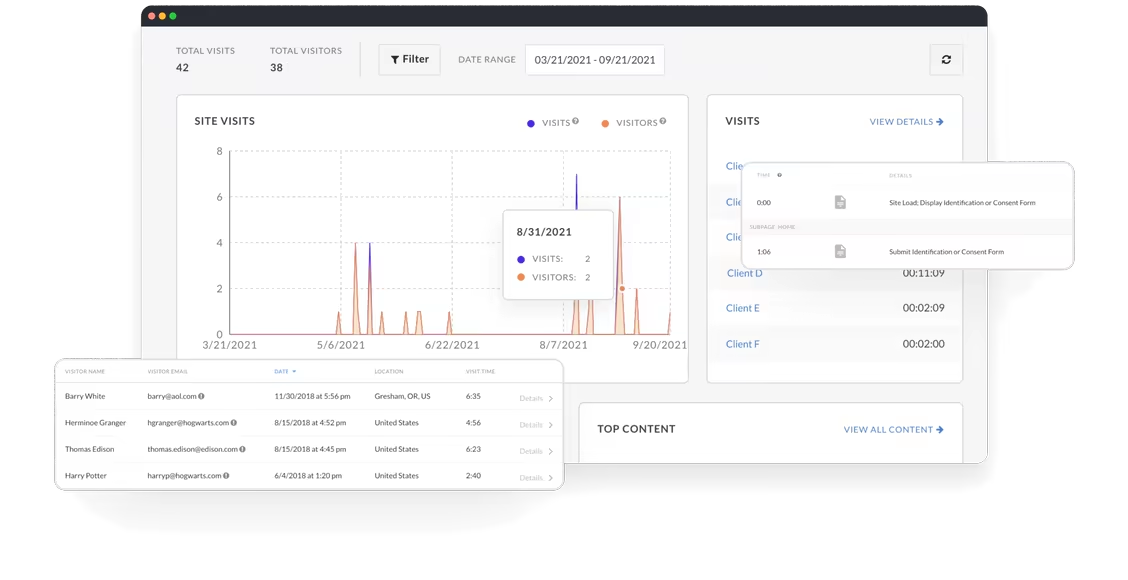
From summary data on top content, to blow-by-blow accounts of your visitor’s movement through your microsite, data analytics on the Zoomforth platform will arm you with rich insights to help you make your next move.
-
Visit and visitor data
-
Data analytics visualization
-
Downloads & exports
-
Compliance features
-
Real-time notifications


At a glance
-

High level visit and visitor summaries
-

See who visited, when, and for how long
-

See what your audience looked at and what they missed
-

Know which devices your audience is using
-

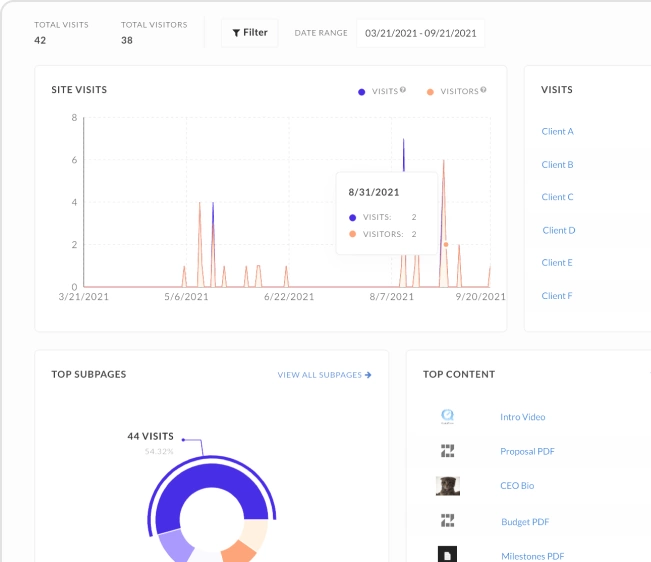
See which content your audience liked the most
-

Filter out visitors from your own domain
-

See top content and top page views
-

View on-screen, or download and share
-

Subscribe to notifications to see when your visitors are on site
-

Export data e.g. to Google Analytics or Adobe Analytics
-

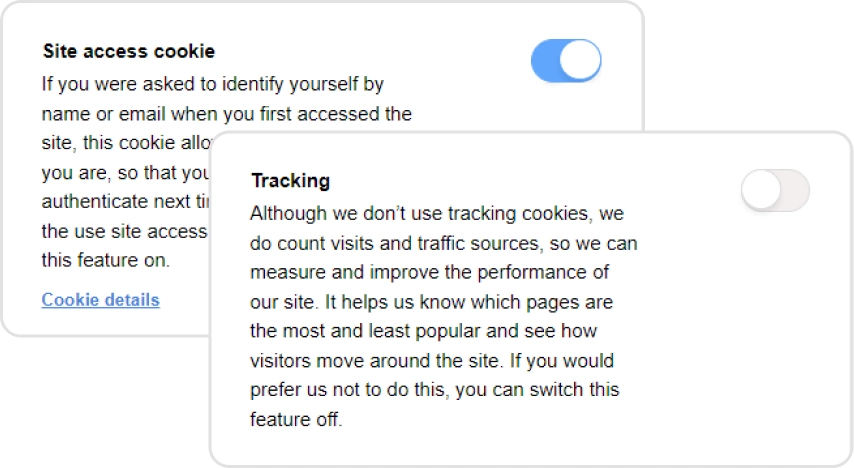
Set GDPR, e-Privacy and CCPA data tracking features to ensure visitors have the right to anonymity
Get high level microsite visitor data
The great thing about microsites, when compared to the humble PDF or PowerPoint, is that you can collect visitor data.
The real value of data analytics is that it will help you refine your approach as you learn what resonates with your audience.
Granular visitor data will give you a fascinating insight into what your audience cares about the most. Did they watch your video? Did they look through your presentation? How far did they get? You’ll see all this and more.
Easy data compliance
Data is a powerful thing but let’s make sure we keep it compliant.
Zoomforth has built-in features to help you achieve e-Privacy regulations (the so-called cookie law), CCPA, and GDPR data compliance. Your visitors in these regions will be able to manage their privacy preferences, at any time, whilst on your sites.

Get real-time alerts
Want to know exactly when someone is visiting your microsite? Simply set up an alert and we’ll ping you an email to let you know.
This is a really helpful feature if you want to time your follow-up while you are top of mind for your site visitor.
Download or integrate with other data analytics platforms
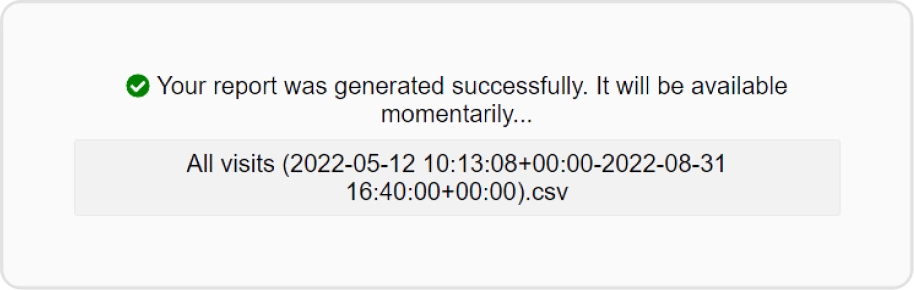
All your data reports are downloadable as csv files. You can also use JS snippets to pull data into your analytics dashboard e.g. Google, Adobe or Facebook.
Frequently asked questions
What analytics does Zoomforth provide for microsites?
Zoomforth provides per-visitor analytics showing who opened a microsite, which sections they read, how long they spent on each section, what they downloaded, and when they returned. Sellers can set up real-time email notifications so they know the moment a stakeholder engages — giving them the context to follow up with precision.
Can I see which sections of my microsite each person read?
Yes. Zoomforth's section-level analytics show exactly which content each visitor engaged with, in what order, and for how long. For a sales proposal sent to five stakeholders, you can see that the CFO read the pricing section for four minutes and skipped the methodology section entirely.
Does Zoomforth integrate with CRM analytics?
Yes. Zoomforth integrates with Salesforce, HubSpot, and other CRM platforms so microsite engagement data flows directly into deal records. This means visitor intent signals — like which pricing tier a prospect reviewed — appear in the same place your team tracks pipeline.
Can I track microsite analytics without setting up Google Analytics?
Yes. Zoomforth has built-in visitor analytics that require no GA setup. All tracking happens at the platform level — including individual visitor identification, section engagement, download tracking, and return visit detection — without any third-party tag configuration.
Zoomforth allows us to submit bids in a different way with a digital first mindset, while tracking content engagement in real-time.Executive Sponsor · Management Consulting

Ready to see it in action?
Request a personalized demo from one of our product specialists.
Request a demo