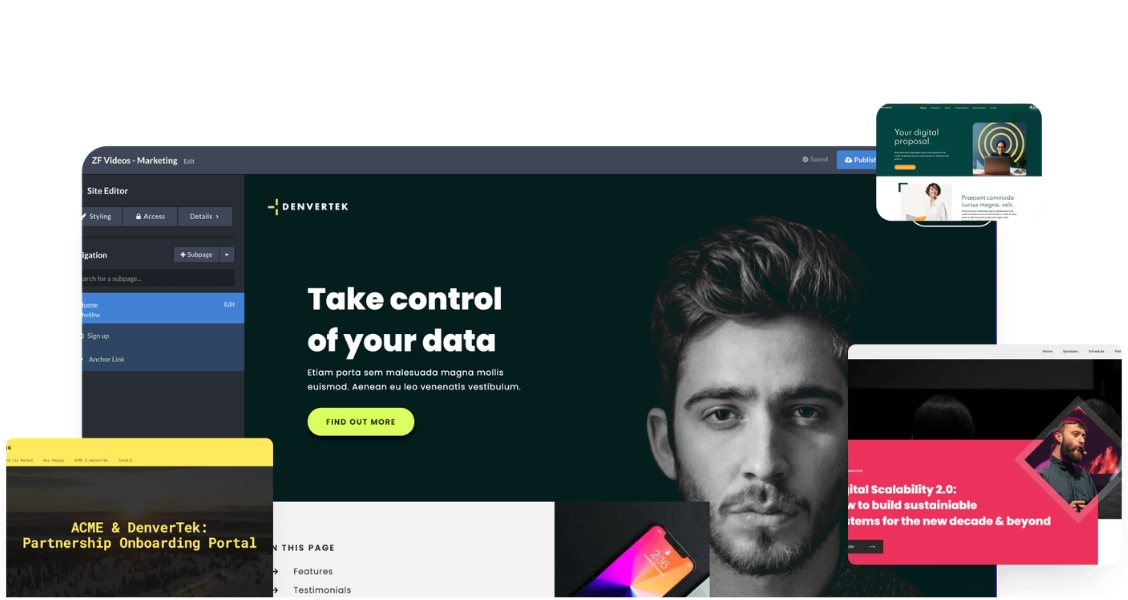
What a sales microsite is — and when it beats a deck or a PDF
Ready to go digital?
Discover how Zoomforth can help you.
Join 500+ enterprise sales, marketing and HR teams building trackable microsites — no developer needed.
Rated 4.76/5 on G2 · Trusted by Fortune 500 teams
Thanks — we've got your request.
Check your inbox — Wendie has sent her calendar link.
While you wait, browse real microsites in our microsite inspiration gallery or learn the basics in the Zoomforth Academy.
A sales microsite is a branded, secure web experience created for a specific prospect or account. It replaces the PDF proposal or PowerPoint deck with something the buyer can navigate, share internally, and return to without a download — and that your team can track in real time. Zoomforth's sales microsites are built for exactly this job.
The difference matters most in four situations:

High-stakes proposals and RFP responses — where the buying committee needs to share the document internally and you need to know which sections they actually read before you follow up.
Fast, single-screen pitches and one-pagers — where speed matters more than a deep narrative, but you still want to know whether it was opened and shared.
Account-based selling with microsites — where you are personalizing content for a named account over weeks or months and the microsite serves as the ongoing home for the relationship.
Post-sale onboarding — where you need to hand off a client to a customer success team with a fully branded, secure portal they can access from day one.
Build your first sales microsite
Start from a branded template. No design or development skills required. Request a demo to see how it works.
Request a demo
Sales proposal microsite examples
A proposal microsite replaces the PDF. It gives the buyer a navigable experience they can share with the full buying committee — and gives your team the analytics to know whether anyone actually read it. Each example below was built from a branded template in Zoomforth's microsite builder.
-
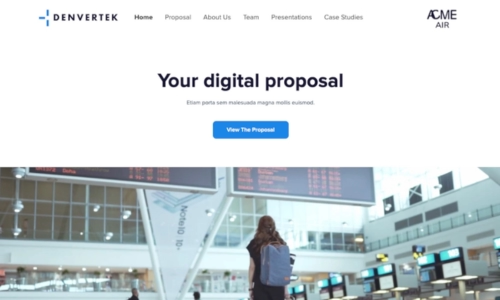
RFP response — professional services
-
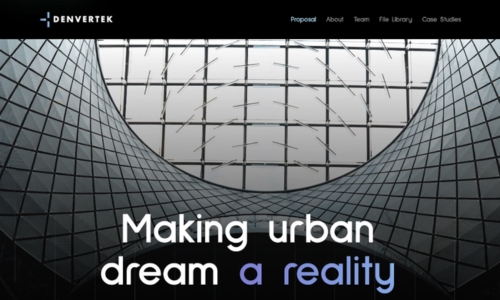
RFP supplementary details
-
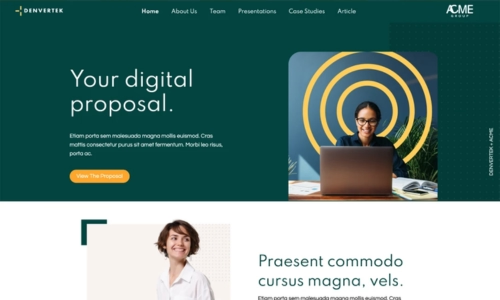
Marketing sales proposal
-
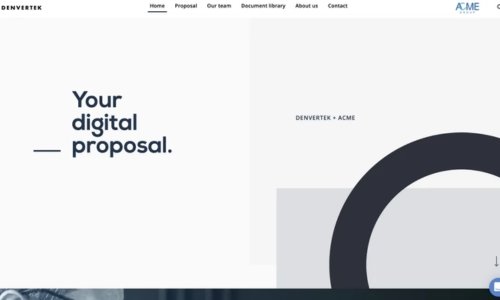
Co-branded sales proposal
-
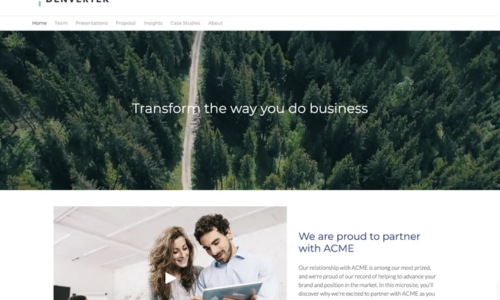
Bid pursuit proposal
-
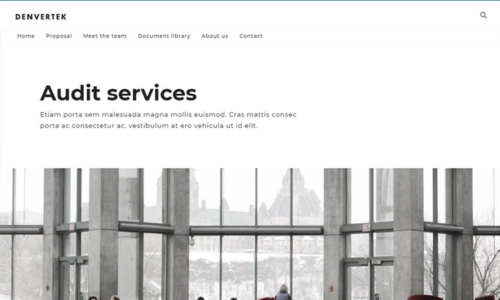
Sales proposal — clean layout
Pitch page and one-pager microsite examples
A pitch page or sales one-pager is designed for speed: one screen, one message, one action. These examples show how B2B teams replace the PDF one-pager with a digital version that tracks engagement and never gets buried in an email thread.
-
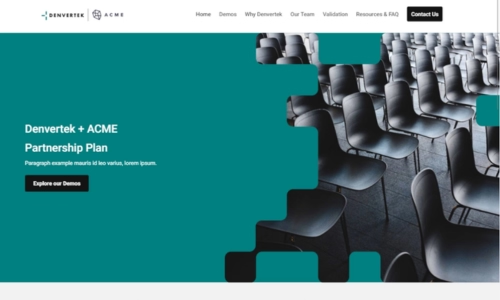
Presales microsite
-
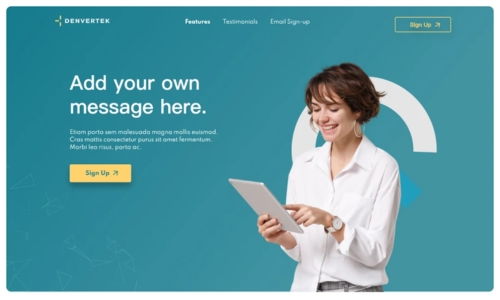
Digital sales one-pager
-
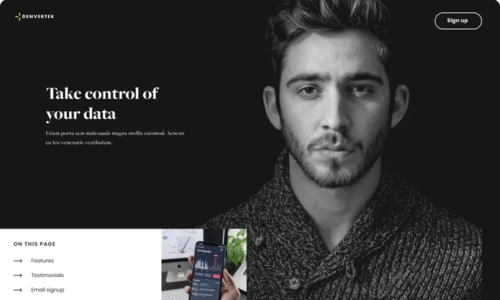
Sales one-pager — dark theme
-
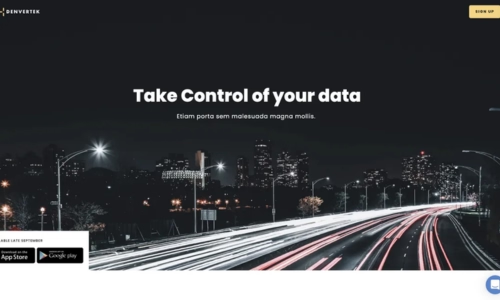
Sales summary
-

Sales landing page
Account portal microsite examples
An account portal gives a specific client or prospect a single branded URL that houses everything relevant to the relationship: proposal documents, case studies relevant to their industry, team bios, and a direct line to their account manager. These examples show how enterprise teams build them without a developer.
-

Client portal — logistics
-
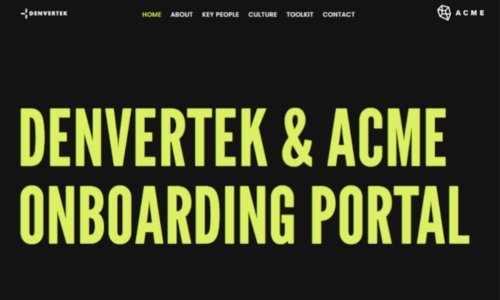
Client portal — creative agency
Post-sale onboarding microsite examples
Onboarding microsites reduce time-to-value for new clients. Rather than emailing a folder of PDFs and a calendar invite, the customer success team sends one URL — a branded, secure portal with everything the client needs to get started, updated in real time as the relationship evolves.
-
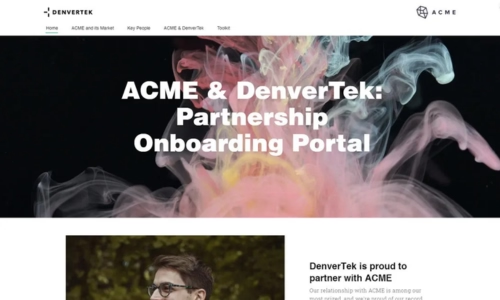
Onboarding portal
-
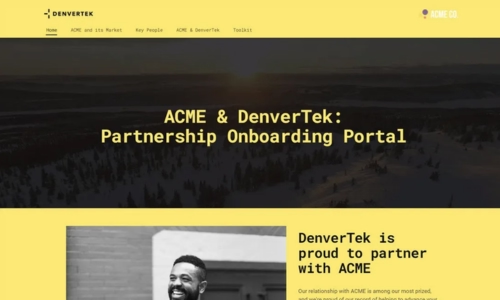
Client onboarding portal — multi-page
Browse all microsite examples
The full inspiration gallery has examples across sales, marketing, recruiting, and learning — filter by category to find designs relevant to your use case.
Browse all examplesWhat every great sales microsite has in common
Looking across thousands of sales microsites built on Zoomforth, the ones that drive the highest engagement share five characteristics — none of which require design expertise.

Personalization that goes beyond a name
The prospect's logo in the header, a case study from their industry, a team bio from the rep managing their account. The microsites that win have content that makes the reader think "this was made for us."

Navigation the buying committee can use now
The legal team needs the security section. Finance needs the pricing section. HR needs the implementation section. A microsite lets each stakeholder navigate to what matters to them — a PDF does not.

Analytics that change the follow-up conversation
Knowing that the CTO spent 12 minutes on the security section and forwarded the link to three colleagues is not vanity data — it tells the sales rep exactly where to focus the next call. Great sales microsites are built with the follow-up conversation.

Access controls that match the deal sensitivity
A general pitch page can be public. An RFP response containing pricing and implementation details should be password-protected or email-authenticated. The best sales teams match the access control to the content — not the other way around.
How to build your own sales microsite
Every example in this gallery was built without a designer or developer. The process is the same for each one:
- Choose a template — Zoomforth's template library includes pre-built designs for proposals, RFP responses, one-pagers, and client portals. Your brand theme is applied automatically.
- Personalize for the account — Swap in the prospect's name, logo, and relevant case studies. Update the copy to reflect the specific deal. Takes most reps under an hour.
- Set the access level — Decide whether the microsite is public, password-protected, or email-authenticated. For sensitive proposals, email authentication means you know exactly who viewed it.
- Send and track — Share the URL by email or in a meeting follow-up. Watch the analytics in real time: who opened it, which sections they read, and how long they spent.
- Update without resending — If the deal evolves or pricing changes, update the live microsite. The prospect's link stays the same — no need to send a new version.
See it in action
Book a 30-minute demo and we will show you how to build a sales microsite from a branded template — and what the analytics look like on a live deal.
Request a demo