


Stand out and get noticed with online proposals
Engage your clients and win more bids with compelling, 100% personalized digital content experiences.

Swap static content for immersive, client-winning digital experiences. Use drag-and-drop editing to build unlimited, trackable microsites – no design experience needed.
See Zoomforth in action Guided demo + free trial.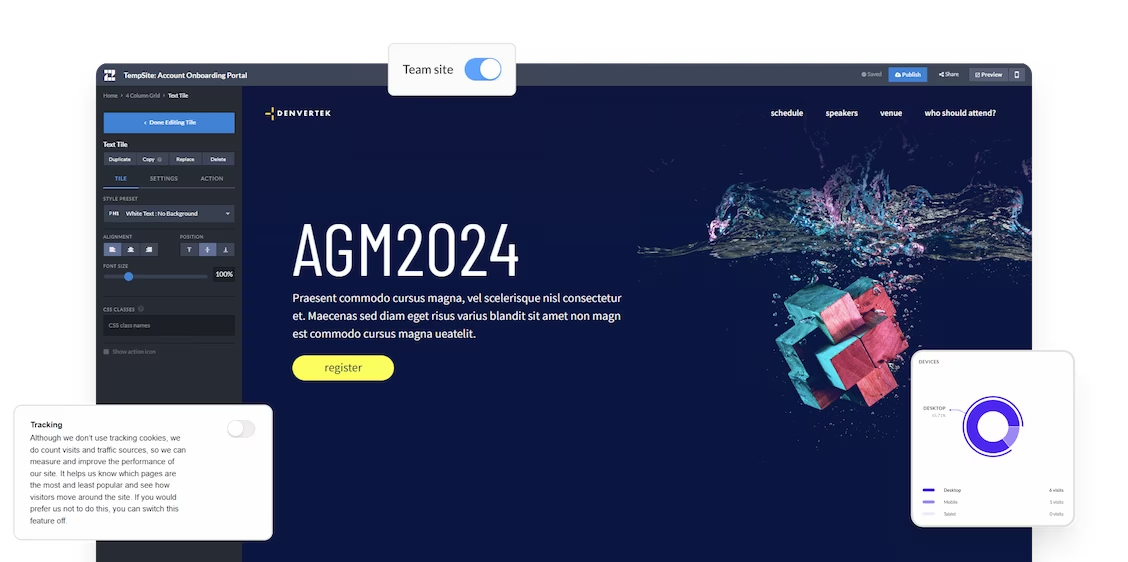









Canva excels at slide design and social assets. But for enterprise proposals, RFP responses, and client portals, teams need per-visitor analytics, SOC 2 security, and brand governance that scales. That is why enterprise teams choose Zoomforth.
 Canva |  Zoomforth | |
|---|---|---|
| Primary output | Design tool for slides, PDFs, social assets, and basic web pages. 250,000+ templates Easy to use Generous free tier 250,000+ templates Easy to use Generous free tier | No-code platform to create fully branded, trackable microsites for enterprise teams. No-code microsite builder Enterprise-grade security Per-visitor analytics |
| Who is this platform for? | Individuals, small teams, and marketers who need fast, polished visual assets. | Enterprise sales, marketing, HR, and learning teams creating buyer-facing content at scale. |
| What are the most common use cases? | Social media graphics, internal presentations, simple slide decks, and branded documents. | Sales proposals, RFP responses, client portals, ABM pages, onboarding hubs, and recruiting microsites. |
| Per-viewer analytics | No. Basic view count only — you cannot see who opened a link or which sections they reviewed. | Yes. Named visitor tracking by section, duration, device, and forwarding activity. |
| SOC 2 Type II | No | Yes — externally audited annually |
| Access control | Limited — email invite only. No per-site SSO, MFA, or audit logging. | Password, email authentication, MFA, and SSO/SAML available per site on every plan. |
| Brand governance | Brand Kit with soft guardrails — team members can deviate without restriction. | Locked theme system — fonts, colors, and layouts enforced automatically across all content. |
| Update after sending | Re-export and resend a new PDF, or reshare the link to an updated version. | Edits go live immediately on the shared link — no resending required. |
| Mobile experience | Slide-based — requires swiping through sequential screens without a presenter. | Responsive microsite — designed for independent reading on any device. |
| GDPR / CCPA compliance | Claimed, but requires separate consent management platform setup. | GDPR and CCPA compliant out of the box — no additional setup required. |
| Starting price | Free / $15 per user per month (Pro) | Custom enterprise pricing; 14-day free trial with full platform access |
Canva is genuinely excellent for internal presentations, social media assets, and quick visual design. The gaps appear when teams start sending content to external buyers — and when the team grows beyond a handful of people creating independently.
When you share a Canva presentation or PDF with a buyer, you have no visibility into whether they opened it, which slides they spent time on, or whether they forwarded it to a colleague. For sales teams where follow-up timing determines whether deals move forward, this is a significant blind spot.
Canva does not publish SOC 2 Type II certification. For enterprise buyers in financial services, healthcare, or legal — where proposals contain commercially sensitive information — this is a procurement blocker. Canva's access controls do not offer SSO/SAML integration, per-site authentication, or the audit logging enterprise security teams require.
Canva's Brand Kit is useful for small teams. At enterprise scale — 30 or 50 people creating content independently — maintaining brand consistency becomes unreliable. Users can deviate from guidelines without hard guardrails preventing them. Enterprise platforms lock fonts, colours, and layouts at the template level so off-brand content cannot be published.
A Canva presentation shared with a buyer for solo review is a slide-by-slide experience that works best with a presenter guiding it. Without that guidance, buyers navigate screens one by one, often missing context. A multi-section microsite with structured navigation is better designed for independent review.
Not every Canva alternative serves the same buyer. When enterprise B2B teams evaluate their options, these five capabilities separate purpose-built platforms from general-purpose design tools:
Can you see who opened your proposal, which sections they spent time on, and whether they forwarded it to a colleague — in real time?
SOC 2 Type II certification, SSO/SAML, MFA, and per-site access controls on every plan — not sold as add-ons.
Fonts, colors, and layouts locked at the theme level — so every piece of content created by every team member is automatically on-brand.
Can you update the content after sharing without sending a new link? For proposals where details change during negotiation, this is critical.
Is the content experience designed for buyers who access it alone, on their own device, without a presenter guiding them through it?

Canva is a design tool. Zoomforth is a content delivery platform built for enterprise sales, marketing, and HR teams. For proposals, client portals, and RFP responses sent to external buyers, Zoomforth was built for the workflow Canva was not.
Named visitor analytics show when a buyer opened your microsite, which sections they spent time on, what they skipped, and whether they forwarded it to a colleague. Canva shows you nothing after the send.
SOC 2 Type II certified annually. Five access control options — public, password, email authentication, MFA, and SSO/SAML — on every plan. GDPR and CCPA compliant out of the box, with no separate consent management platform required.
Your brand theme is configured once by the Zoomforth team and enforced automatically on every microsite every rep creates. No rogue fonts, no off-brand colors, no brand review bottlenecks.
No design or coding skills required. Sales reps and recruiters build polished microsites from branded templates in under two hours — without depending on a designer or developer.
Sales proposals, RFP responses, client portals, recruiting campaigns, and HR microsites — all built and hosted on a single platform under a single enterprise agreement.
Yes. Canva has a capable presentation mode with hundreds of slide templates, real-time collaboration, and a presentation view that works in the browser or full screen. For simple internal presentations, team updates, and visually polished slides that do not require enterprise security or visitor tracking, Canva is a genuinely good option — and significantly faster than PowerPoint for non-designers.
The main limitations of Canva for enterprise B2B presentations are: no per-viewer analytics (you cannot see who opened a shared link or which slides they spent time on), limited enterprise security options (no SOC 2 certification, limited SSO controls), basic brand governance at team scale, and a presentation format that does not translate well to asynchronous review — when you share a Canva presentation with a buyer to review alone, they navigate slides one by one without the presenter's guidance.
Canva can be used to design a visually appealing proposal PDF. However, for B2B sales proposals sent to enterprise buyers, it has meaningful gaps: no way to track whether the proposal was opened, no per-visitor analytics to see which sections the buyer reviewed, no password or SSO protection for sensitive commercial content, and no mechanism for updating the proposal after it has been sent. Teams that need proposal intelligence typically outgrow Canva for external sales content.
For enterprise B2B sales content — proposals, RFP responses, client portals — teams that have outgrown Canva typically move to microsite platforms that provide visitor-level analytics, enterprise security (SOC 2, SSO), and brand governance at scale. Zoomforth is built specifically for this use case: it lets non-designers create fully branded, trackable content experiences without code or design tools.
Yes, Canva offers a free plan with limited features and a 30-day free trial of Canva Pro. Zoomforth also offers a free 14-day trial with full platform access and a complimentary onboarding session, so enterprise teams can evaluate the platform against their real use cases before committing.
Genially targets educators and individual creators — see how it compares to Zoomforth for enterprise B2B sales and client content.
Prezi's zoom-and-pan format works for live presentations — see why enterprise teams sending asynchronous proposals still choose Zoomforth.
See how Zoomforth stacks up against Ceros, Foleon, Tiled, Turtl, Qwilr, Canva, Genially, and Prezi.
In a nutshell? Our Content Experience platform helps you cut costs and grow revenues. Here’s how.
Engage your clients and win more bids with compelling, 100% personalized digital content experiences.
Designers and developers are expensive resources. That’s why you’ll save thousands of dollars switching.
No more bottlenecks. Anyone in your team can create branded, responsive websites in just hours. No steep learning curve.
Swap the email chains, PDFs and endless back-and-forths for one source of truth — immersive, easily-navigable microsites.
Zoomforth provides an easy way to create polished, professional and fun communications… It is also a very easy tool to train up on, not difficult to use and allows non-creative folks to be creative without challenge.
Development Manager, Big Four Firm
I love the low-code, no-code environment of Zoomforth. It's a great way for graphic designers to get started in web design, but also makes it easy for someone with no design experience to create a site.
Customer Education Lead
Browse our most common use cases below.
Stand out from the competition with interactive sales proposals, and win the bid with effortless personalization.
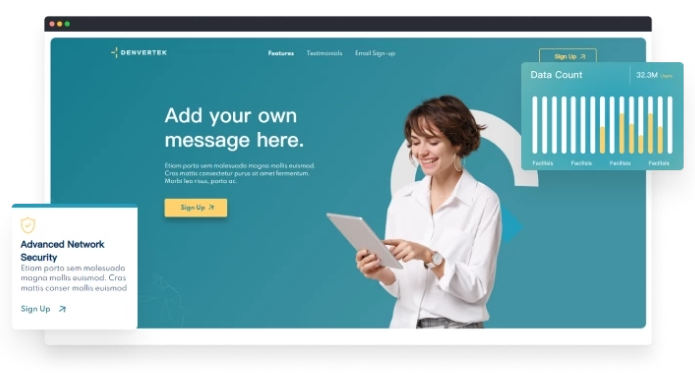
From leave-behinds to onboarding sites, create tailored content that wins and maintains the trust and respect of your clients.
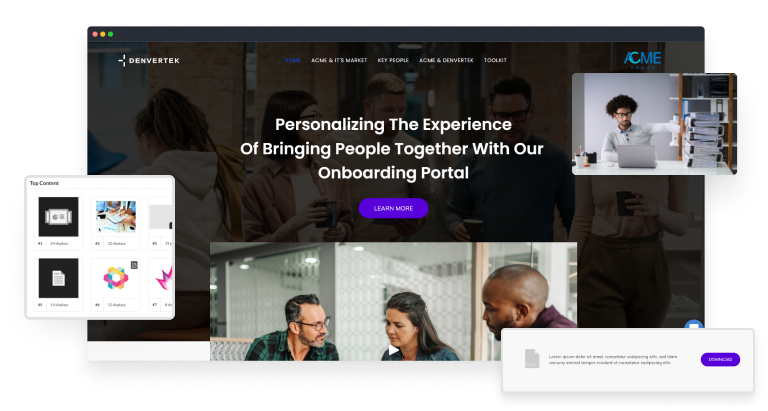
Boost engagement and employee retention with interactive learning hubs with all your course content in one, accessible place.
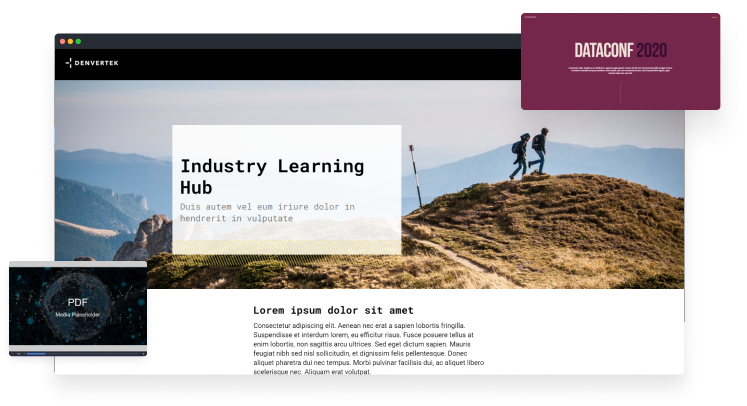
Make a big impact with potential talent with a seamless on-brand recruitment process.
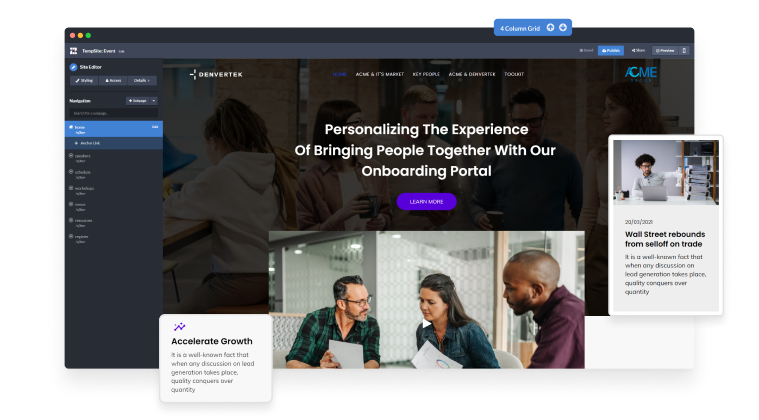
Try it before you buy it for 14 days with guided support throughout.
Extensive library of video demos and an in-depth help center to help you master Zoomforth.
Urgent issue? Quick question? Our full support team is at your disposal via live chat, zoom, or email.
Level up your microsite design skills with quarterly workshops and weekly training sessions.
Ready to learn the full benefits of joining?
Book a one-to-one demo today!
Zoomforth has impacted revenue by increasing the response rate significantly, clients are more engaged and that leads to a greater rapid response.
Tim Walther, Founder, Grand Dynamics
Check your inbox — Wendie has sent her calendar link.
While you wait, browse real microsites in our microsite inspiration gallery or learn the basics in the Zoomforth Academy.


