If you’re evaluating microsite builders or trying to speed up how your team creates branded digital experiences, you’ve likely come across two terms: themes and templates. They sound similar, but they serve very different purposes.
The short answer: a theme controls how your microsite looks — colors, fonts, button styles, spacing. A template controls what your microsite contains — the sections, layout, and content structure. You need both to build microsites efficiently at scale.
Ready to go digital?
Discover how Zoomforth can help you.
Join 500+ enterprise sales, marketing and HR teams building trackable microsites — no developer needed.
Rated 4.5/5 on G2 · Trusted by Fortune 500 teams
What is a theme in a microsite builder?
A theme is a set of predefined visual rules that control the appearance of every page in a microsite. Think of it as the design system that keeps everything consistent.
Themes typically include:
- Color palette: primary, secondary, accent, and neutral colors
- Typography: heading and body fonts, sizes, line heights
- Button styles: shape, color, hover state, padding
- Spacing: margins, padding, section gaps
- Background treatments: colors, gradients, or patterns
When you apply a theme to a microsite, every page inherits these settings automatically. Change the theme, and the entire site updates — no need to edit individual pages.
Why themes matter for brand consistency
For enterprise teams, themes are the difference between a cohesive brand experience and a chaotic collection of pages. When multiple people across sales, marketing, and customer success are creating microsites, a locked theme ensures that every single site reflects the current brand guidelines. No one can accidentally use the wrong color or an outdated font.
What is a template in a microsite builder?
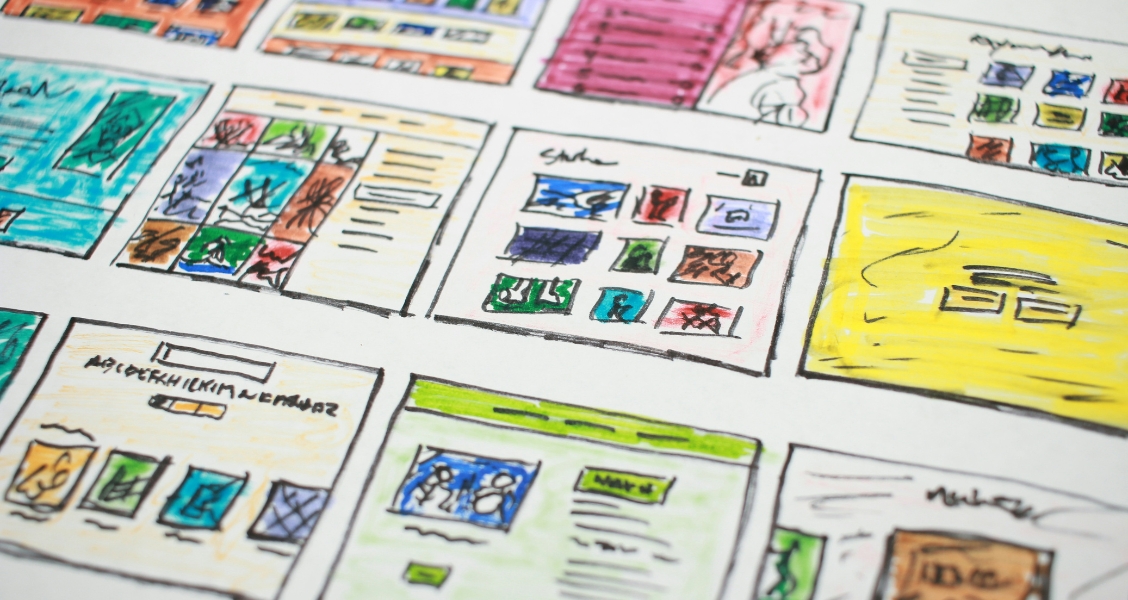
A template is a pre-built page structure — a starting point that contains the layout, sections, and placeholder content for a specific type of microsite. If a theme is the paint and wallpaper, a template is the floor plan.
Templates typically include:
- Page structure: hero section, body sections, footer
- Content blocks: text tiles, image placements, video slots, CTA buttons
- Navigation: page menus, anchor links, section ordering
- Example content: placeholder text and images that guide the creator
Why templates accelerate content creation
Templates solve the blank-page problem. When a sales rep needs to create a proposal microsite, they don’t start with an empty canvas. They open a proposal template that already has the right structure — an introduction section, a solution overview, case studies, a team section, pricing, and a next-steps CTA — and simply customize the content for the specific prospect.
A well-designed template can cut microsite creation time from four hours to under one hour.
Key differences between themes and templates
| Aspect | Theme | Template |
|---|---|---|
| Purpose | Controls visual appearance | Controls content structure |
| Scope | Applies globally across pages | Applies to one specific page or site |
| Change impact | Updates all sites using that theme | Only affects new sites from that template |
| Who owns it | Brand / design team | Content creators / subject matter experts |
| When to use | Set once, use everywhere | Create per use case (proposal, event, onboarding) |
How themes and templates work together
The real power comes from using themes and templates together. Here’s the workflow:
-
Design team creates a theme that encodes the brand guidelines — colors, fonts, spacing, button styles. This theme is locked so content creators can’t deviate from brand standards.
-
Marketing or enablement team creates templates for each common use case — sales proposals, event microsites, RFP responses, onboarding portals. Each template uses the approved theme.
-
Content creators pick a template for their specific need, customize the content, and publish. The theme ensures everything stays on-brand automatically.
This separation of concerns is what makes microsite builders powerful for enterprise teams. Designers control the visual system once. Content creators focus on the message. And every microsite that gets published is both on-brand and effective.
Choosing the right approach for your team
If you’re just getting started with microsites, here’s a practical path:
-
Start with pre-built themes from your microsite builder. Customize the colors and fonts to match your brand. This gives you instant brand consistency without design resources.
-
Create your first template by building one microsite for your most common use case — a sales proposal or campaign landing page. Save it as a template so your team can duplicate it.
-
Iterate based on what works. Track which templates get used most and which microsite structures drive the best engagement. Refine your templates based on real data.
-
Lock themes once your brand is stable. When your brand guidelines are finalized, lock the theme so all future microsites stay consistent automatically.
How Zoomforth handles themes and templates
Zoomforth gives teams both themes and templates with enterprise-grade controls. Themes are managed centrally by admins and can be locked to prevent off-brand changes. Templates can be created from any existing microsite — so your best-performing proposal or campaign page becomes a repeatable starting point for the whole team.
The combination means sales teams can spin up branded proposal microsites in minutes, marketing teams can launch campaign pages without design bottlenecks, and customer success teams can build onboarding portals that feel like a natural extension of the brand.
Ready to see how themes and templates work in practice? Request a demo.
Frequently asked questions
What is the difference between a microsite theme and a template?
A theme controls the global visual style of your microsites — colors, typography, button styles, and spacing — applied consistently across all pages. A template is a pre-built page structure — a specific layout of sections, content blocks, and components — that gives teams a starting point without building from scratch. Themes ensure brand consistency; templates ensure speed and quality at scale.
Do I need both a theme and a template?
Yes, for best results. A theme sets the visual foundation so every microsite is on-brand. A template provides the structural starting point so teams don't face a blank page. Together they eliminate the two biggest bottlenecks in microsite creation: design inconsistency and slow setup.
How do microsite templates speed up content creation?
Templates eliminate the blank-page problem. Instead of building a proposal or campaign page from scratch, a team member opens a pre-built template with the right sections already in place — hero, about us, case studies, team, pricing, next steps — and simply updates the content for the specific audience. A microsite that would take hours to build from scratch takes under an hour with a well-designed template.
Can I create my own themes and templates?
In most enterprise microsite builders, admins can create custom themes and templates. A custom theme enforces brand guidelines consistently. A custom template captures your team's best practices — the structure, sections, and content flow that works best for your typical use case. This means every new microsite starts from your proven template, not from a generic starting point.